Software-Controllable 5V 30mm Fan for Raspberry Pi
Want to keep your Raspberry Pi cool whilst keeping noise to a minimum? Standard fans are great for cooling your CPU, but having them always on can be distracting in environments that demand silence, such as living areas or your office.
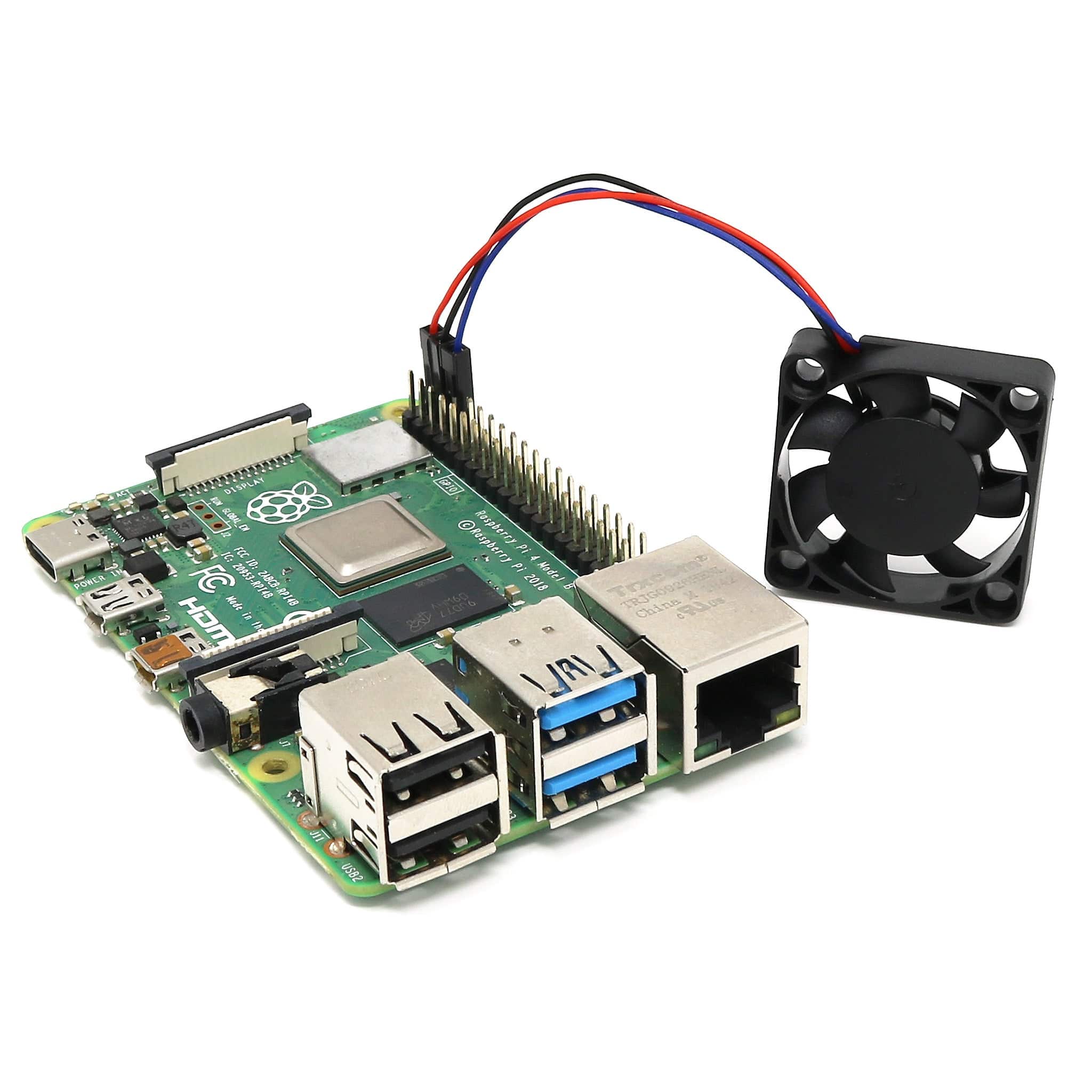
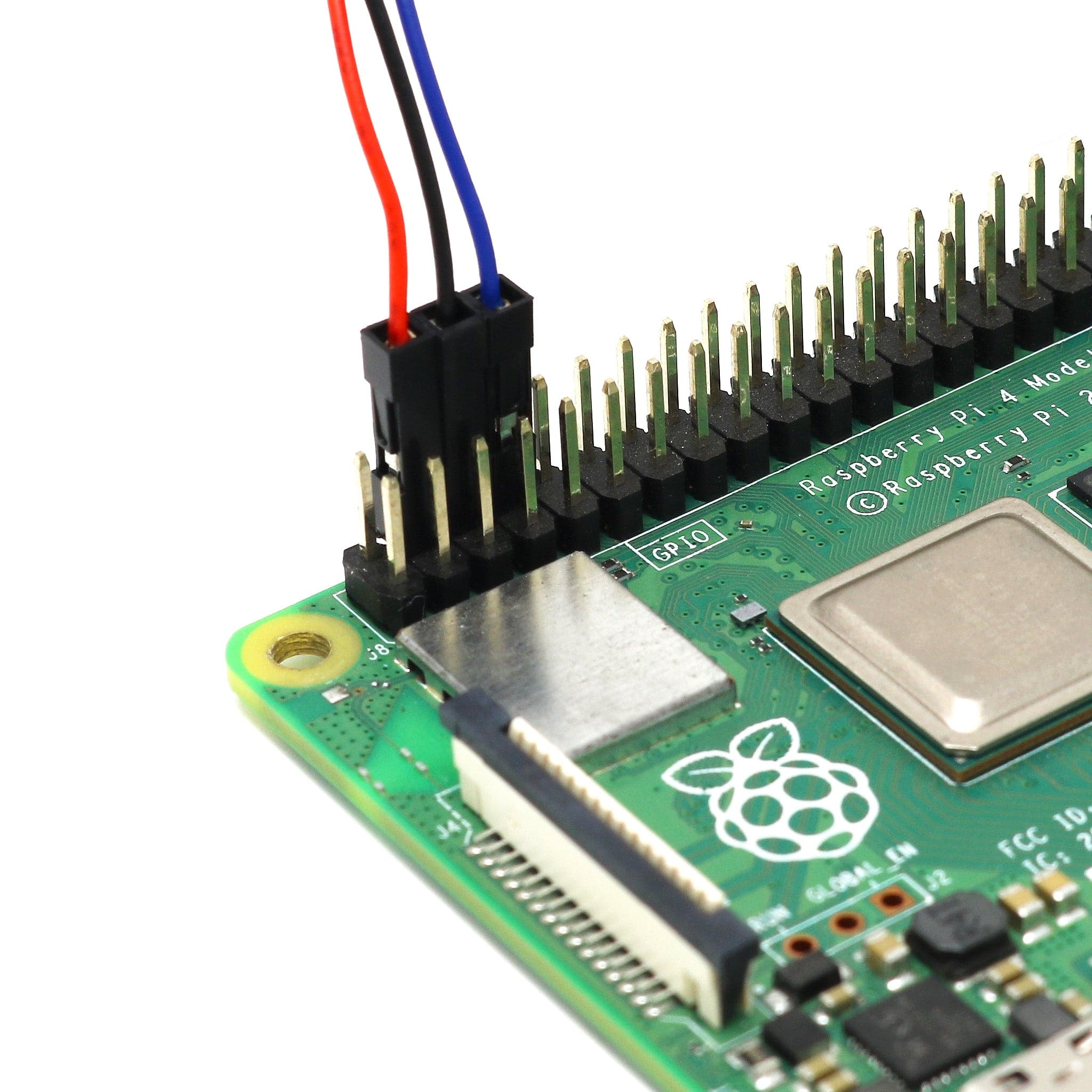
This 3-pin software-controllable fan aims to solve that problem. The fan connects to 5V, GND and a GPIO pin (GPIO 14) and, using the Raspberry Pi configuration tool, you can tell your Raspberry Pi to turn the fan on when it hits a certain temperature set by you!
A great upgrade for our Raspberry Pi 4 cooling cases. We also include 4 screws and 4 nuts for adding to your own project enclosure if needed (fixing colour may vary between black and silver).
We also stock a version with the Raspberry Pi 5 fan connector.
How to use
Just click the Raspberry Pi icon on the Raspberry Pi OS desktop, then select Preferences > Raspberry Pi Configuration from the menu.
Select the Performance tab, enable the fan and select your fan trigger temperature (currently the minimum is 60°C).

Specifications
- Software-controllable 3-pin fan
- Size: 30mm
- Voltage rating: 5V
- Current draw: 0.2A max
Package Contents
- 1x 3-pin 30mm 5V software-controllable fan
- 4x screws
- 4x nuts
Raspberry Pi not included
Original: $4.08
-70%$4.08
$1.22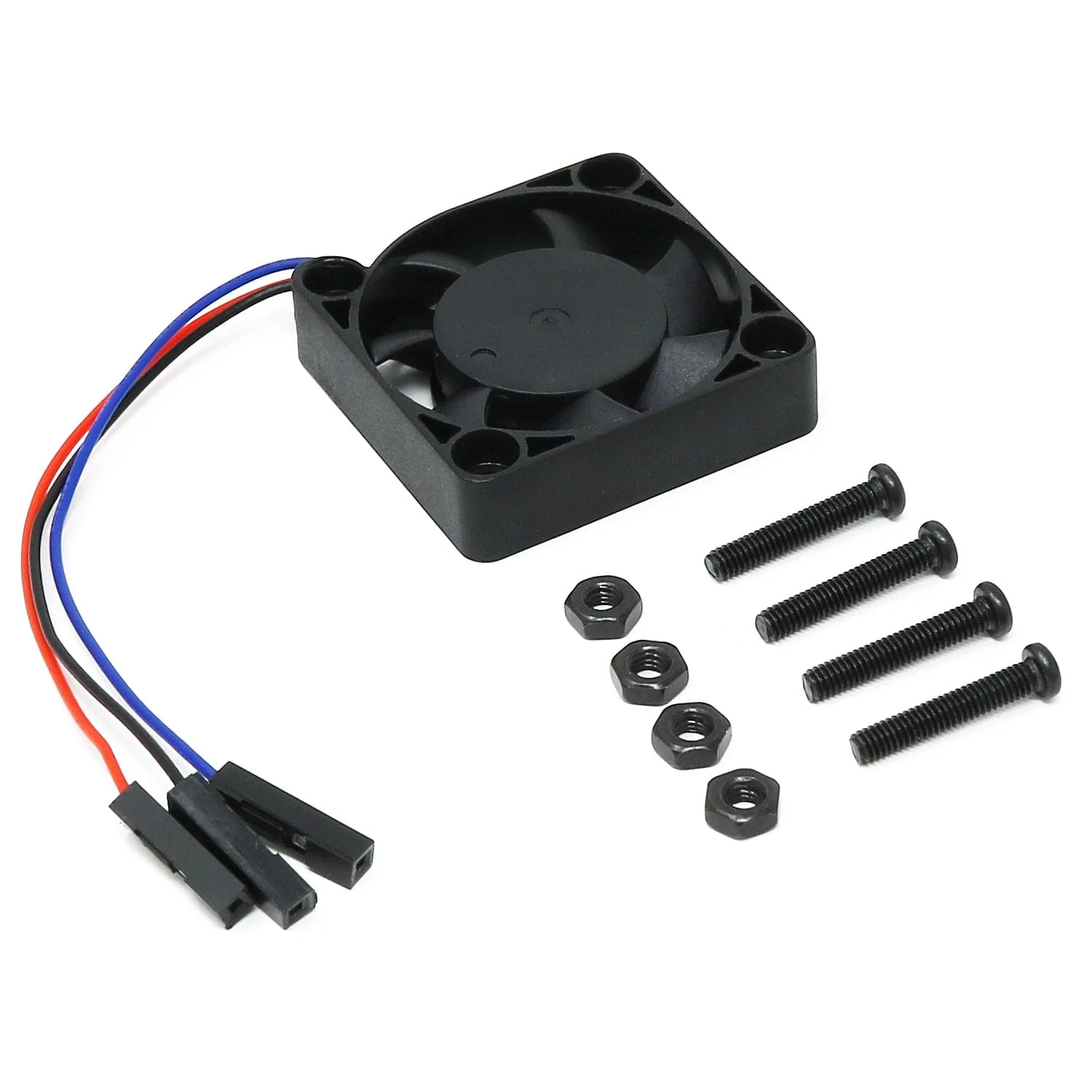
Description
Want to keep your Raspberry Pi cool whilst keeping noise to a minimum? Standard fans are great for cooling your CPU, but having them always on can be distracting in environments that demand silence, such as living areas or your office.
This 3-pin software-controllable fan aims to solve that problem. The fan connects to 5V, GND and a GPIO pin (GPIO 14) and, using the Raspberry Pi configuration tool, you can tell your Raspberry Pi to turn the fan on when it hits a certain temperature set by you!
A great upgrade for our Raspberry Pi 4 cooling cases. We also include 4 screws and 4 nuts for adding to your own project enclosure if needed (fixing colour may vary between black and silver).
We also stock a version with the Raspberry Pi 5 fan connector.
How to use
Just click the Raspberry Pi icon on the Raspberry Pi OS desktop, then select Preferences > Raspberry Pi Configuration from the menu.
Select the Performance tab, enable the fan and select your fan trigger temperature (currently the minimum is 60°C).
Specifications
- Software-controllable 3-pin fan
- Size: 30mm
- Voltage rating: 5V
- Current draw: 0.2A max
Package Contents
- 1x 3-pin 30mm 5V software-controllable fan
- 4x screws
- 4x nuts
Raspberry Pi not included