Snowflake Buzzer for micro:bit
Code your own jolly jingles this Christmas season with this fantastically festive snowflake buzzer for the BBC micro:bit!
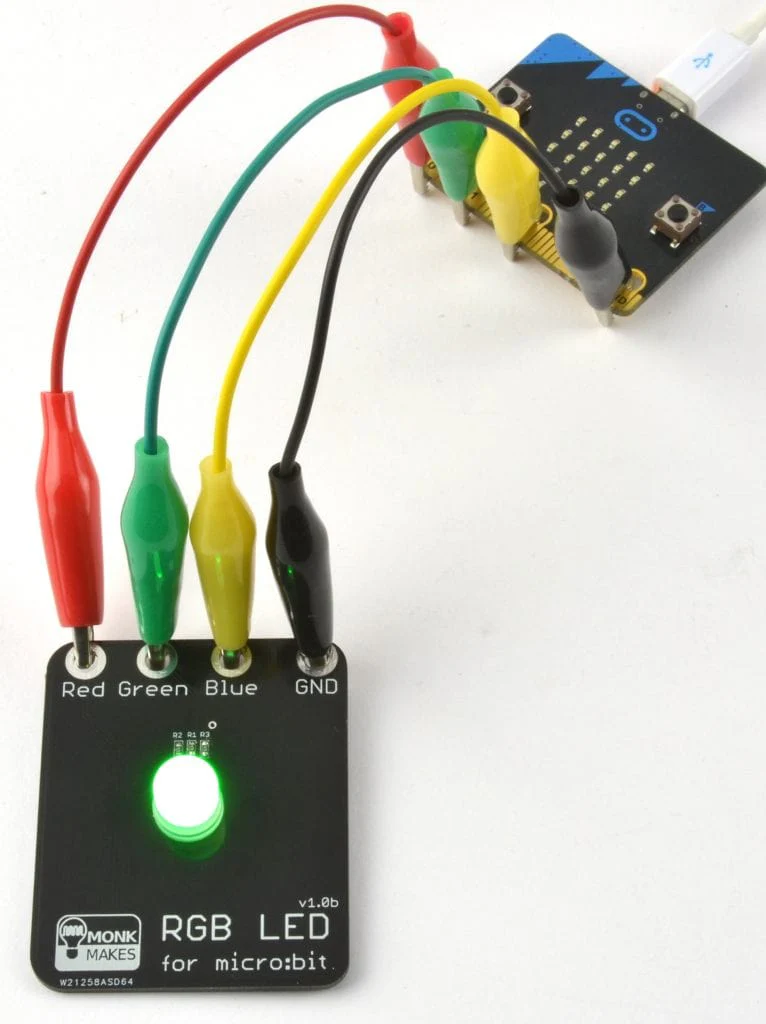
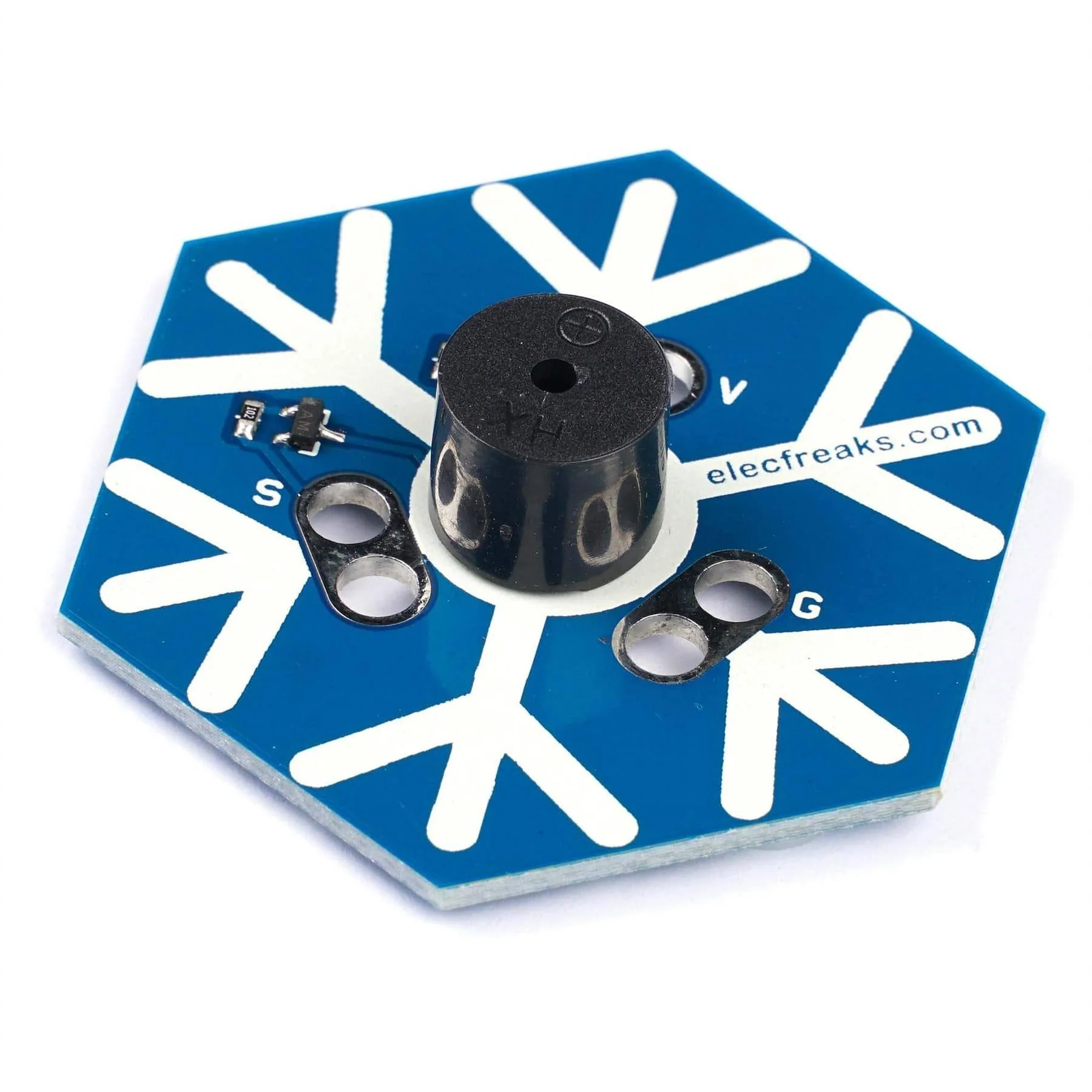
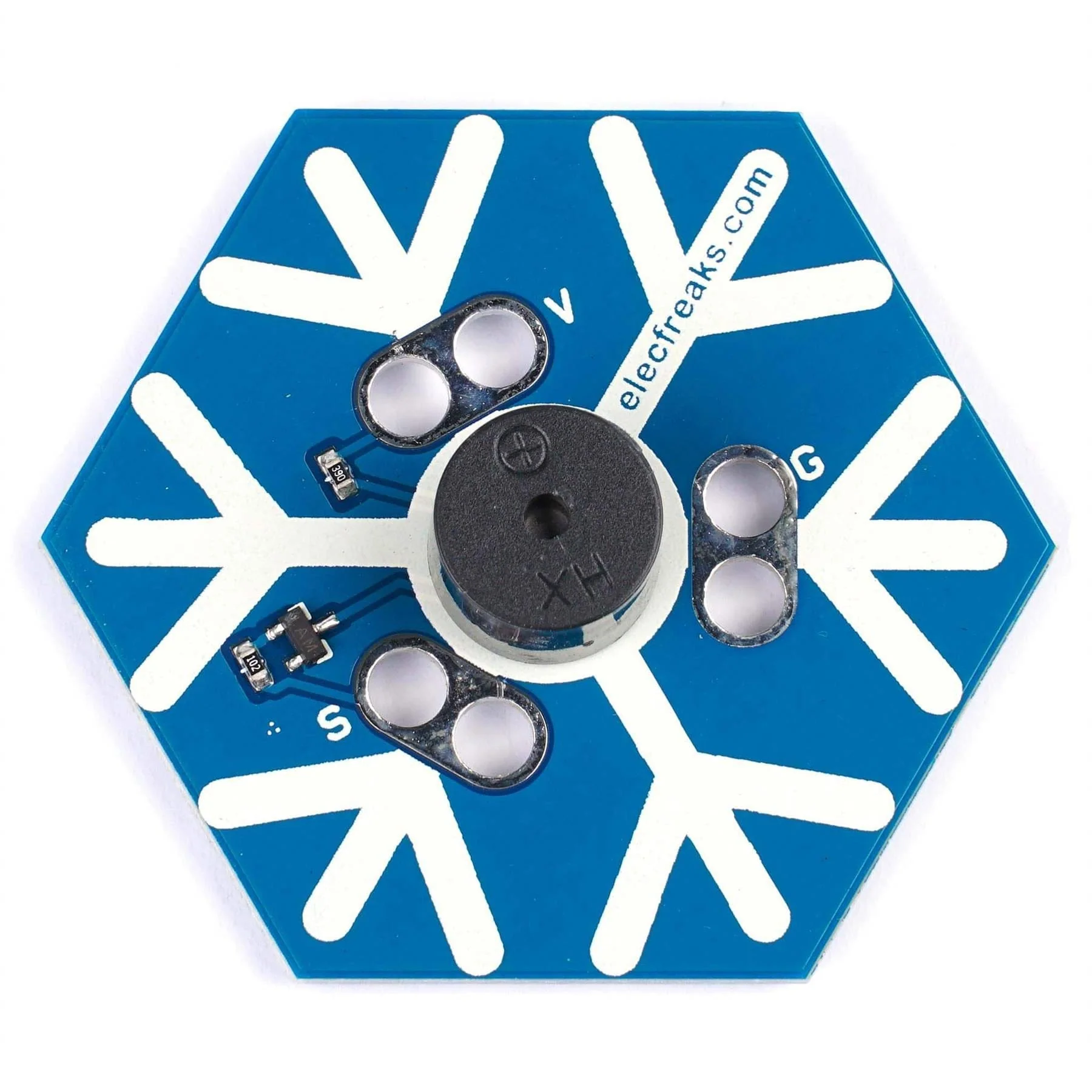
The snowflake includes a central buzzer that is connected using three easy-to-use pads around it. Simply connect it to your micro:bit with crocodile clips (not included) and you're ready to code your jingle!
Coding is simple using the Microsoft MakeCode editor and existing 'play tone' blocks, and we even provide a downloadable hex file (below) to get you started.
We also have a Christmas Tree Rainbow LED board available for making a Christmas blinky display, and a full set including both boards and cables in a single festive gift-wrapped pack!
Hardware Connections
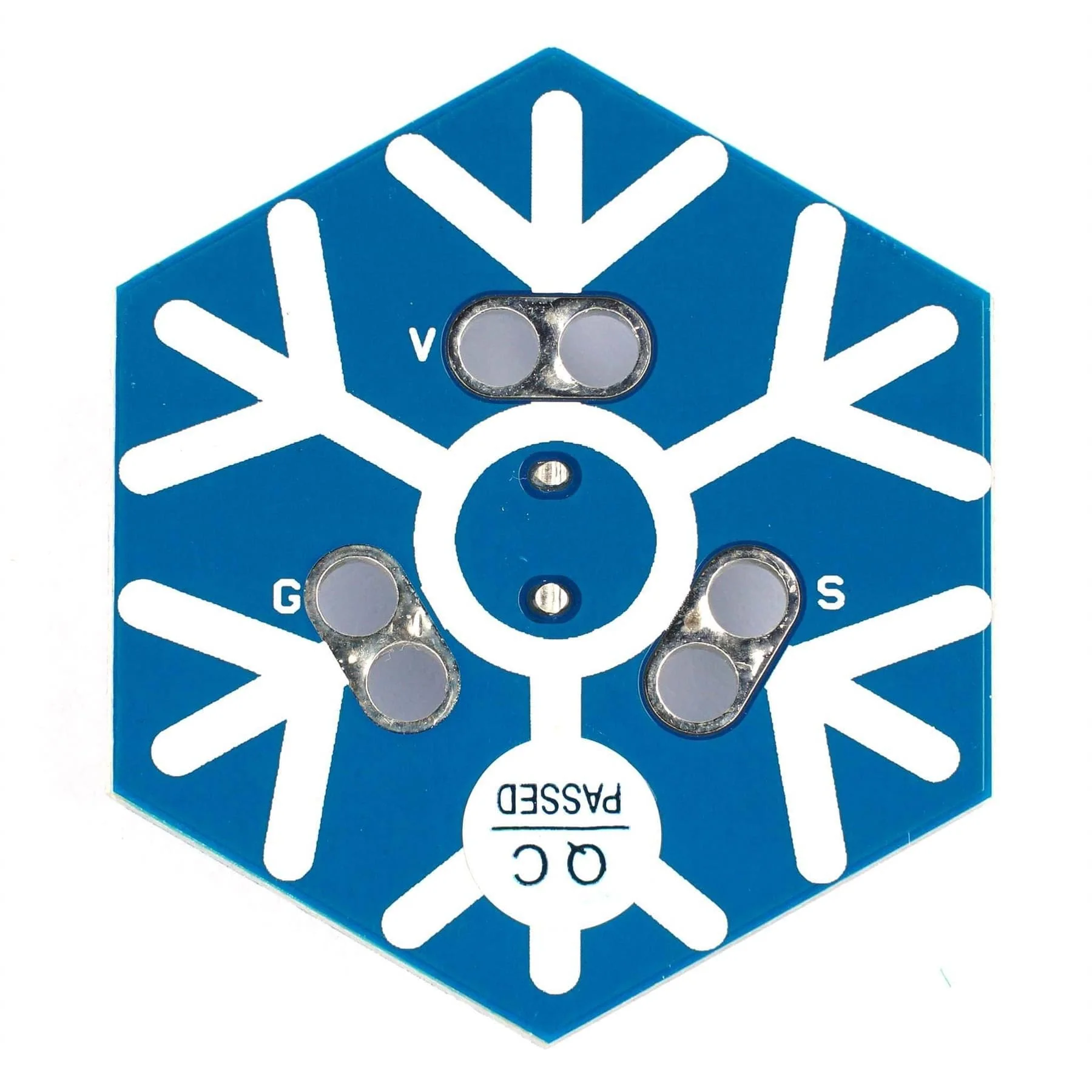
- Connect a black (ideally) crocodile clip to the GND port of the micro:bit and the other side to the 'G' port of the snowflake
- Connect a red (ideally) crocodile clip to the 3V port of the micro:bit and the other side to the 'V' port of the snowflake
- Connect a yellow (ideally) crocodile clip to the 0 port of the micro:bit and the other side to the 'S' port of the snowflake
Crocodile clips not included. You can use other colour clips, but we find keeping to the usual black/red/colour for GND/VCC/Signal helps us avoid mistakes!
How to code
- Open Microsoft MakeCode: https://makecode.microbit.org/#
- Select 'New Project'
- Download this MakeCode hex file and drag it over to your MakeCode window to load the example jingle
- Once loaded to your micro:bit, press the A or B buttons and see what happens...
- Now make your own tunes and dance around the Christmas tree!

Package Contents
- 1x Snowflake buzzer board
micro:bit and crocodile clips not included
Specifications
- Dimensions: 45.72mm hexagon
- Weight: 8.3g
Description
Code your own jolly jingles this Christmas season with this fantastically festive snowflake buzzer for the BBC micro:bit!
The snowflake includes a central buzzer that is connected using three easy-to-use pads around it. Simply connect it to your micro:bit with crocodile clips (not included) and you're ready to code your jingle!
Coding is simple using the Microsoft MakeCode editor and existing 'play tone' blocks, and we even provide a downloadable hex file (below) to get you started.
We also have a Christmas Tree Rainbow LED board available for making a Christmas blinky display, and a full set including both boards and cables in a single festive gift-wrapped pack!
Hardware Connections
- Connect a black (ideally) crocodile clip to the GND port of the micro:bit and the other side to the 'G' port of the snowflake
- Connect a red (ideally) crocodile clip to the 3V port of the micro:bit and the other side to the 'V' port of the snowflake
- Connect a yellow (ideally) crocodile clip to the 0 port of the micro:bit and the other side to the 'S' port of the snowflake
Crocodile clips not included. You can use other colour clips, but we find keeping to the usual black/red/colour for GND/VCC/Signal helps us avoid mistakes!
How to code
- Open Microsoft MakeCode: https://makecode.microbit.org/#
- Select 'New Project'
- Download this MakeCode hex file and drag it over to your MakeCode window to load the example jingle
- Once loaded to your micro:bit, press the A or B buttons and see what happens...
- Now make your own tunes and dance around the Christmas tree!
Package Contents
- 1x Snowflake buzzer board
micro:bit and crocodile clips not included
Specifications
- Dimensions: 45.72mm hexagon
- Weight: 8.3g