LetsTrust TPM for Raspberry Pi
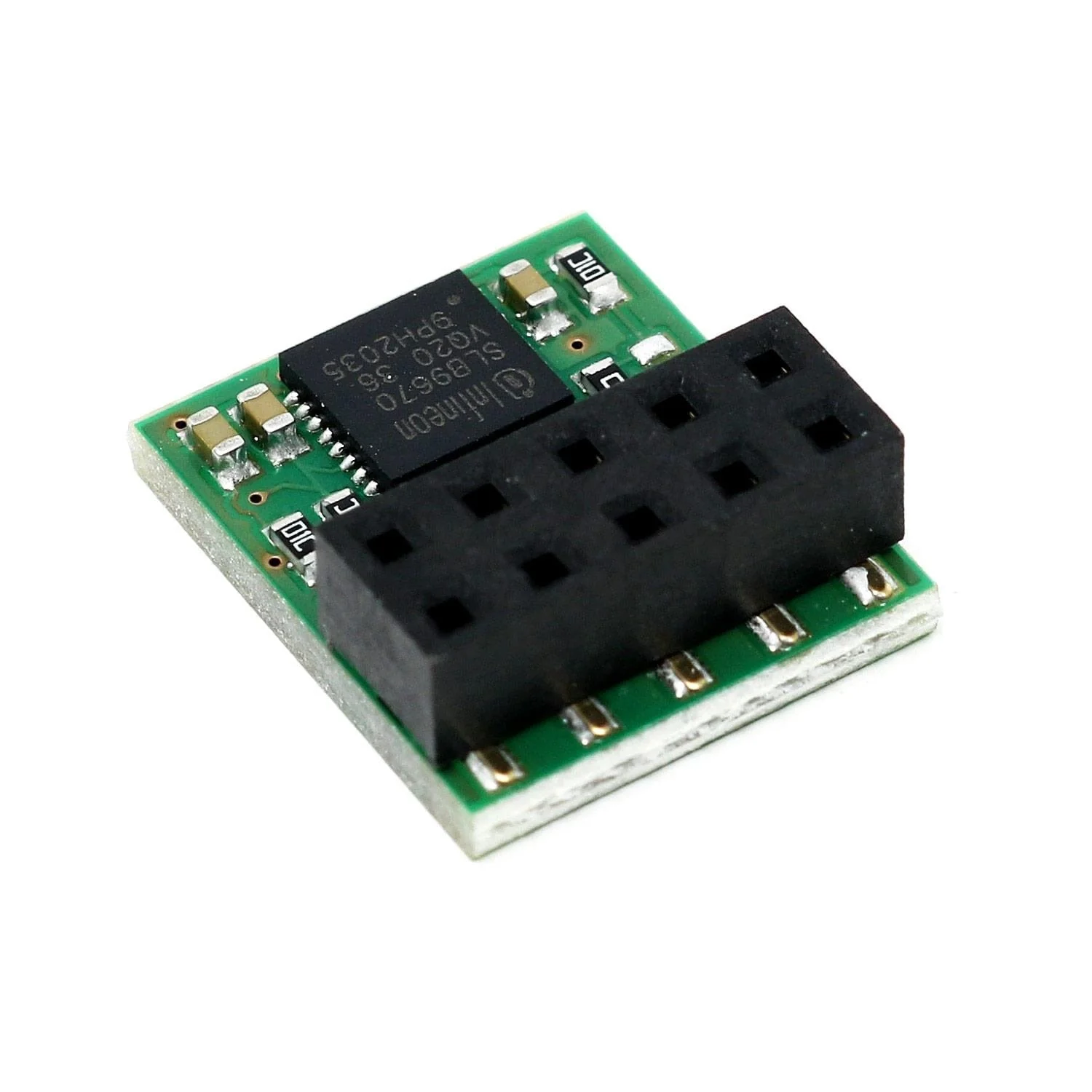
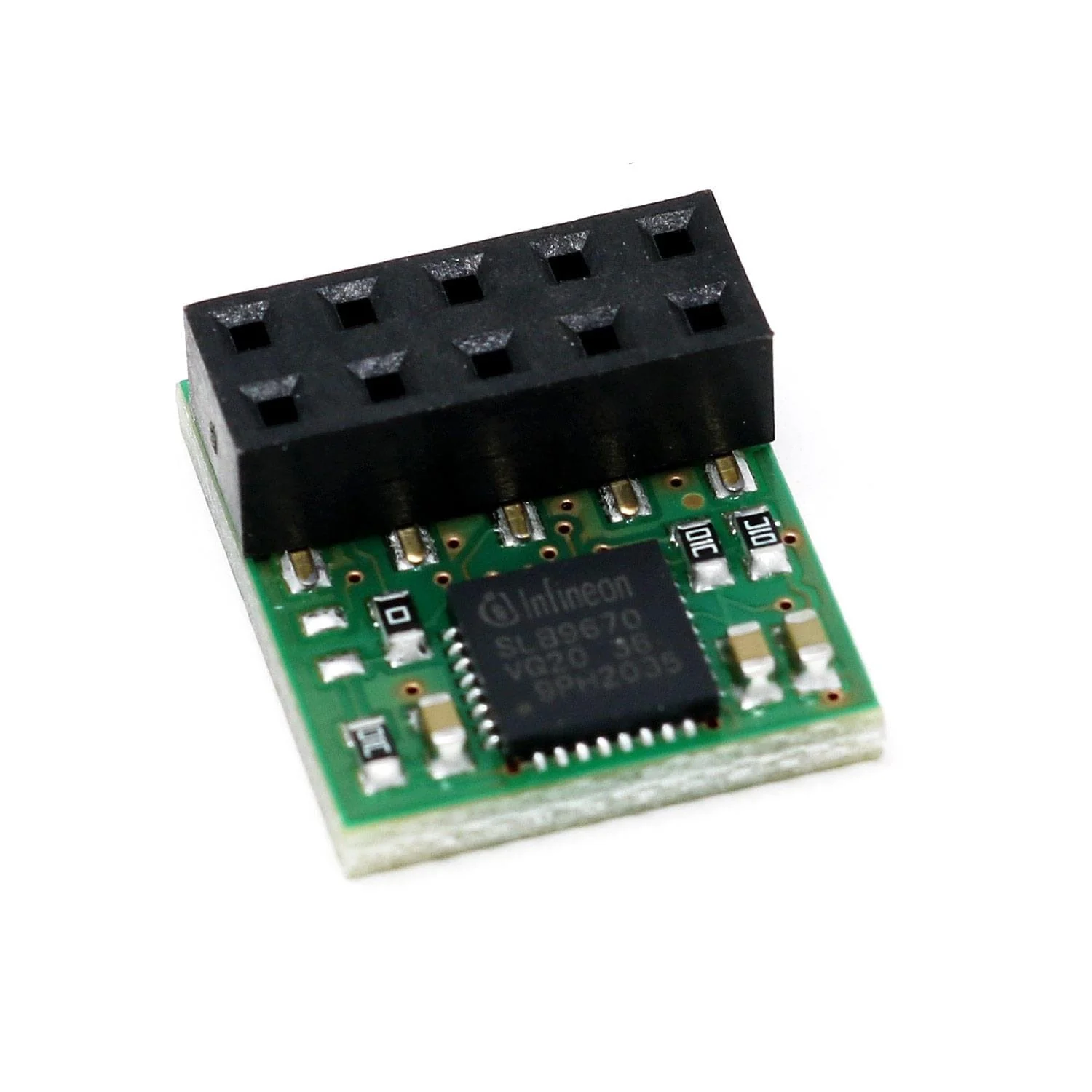
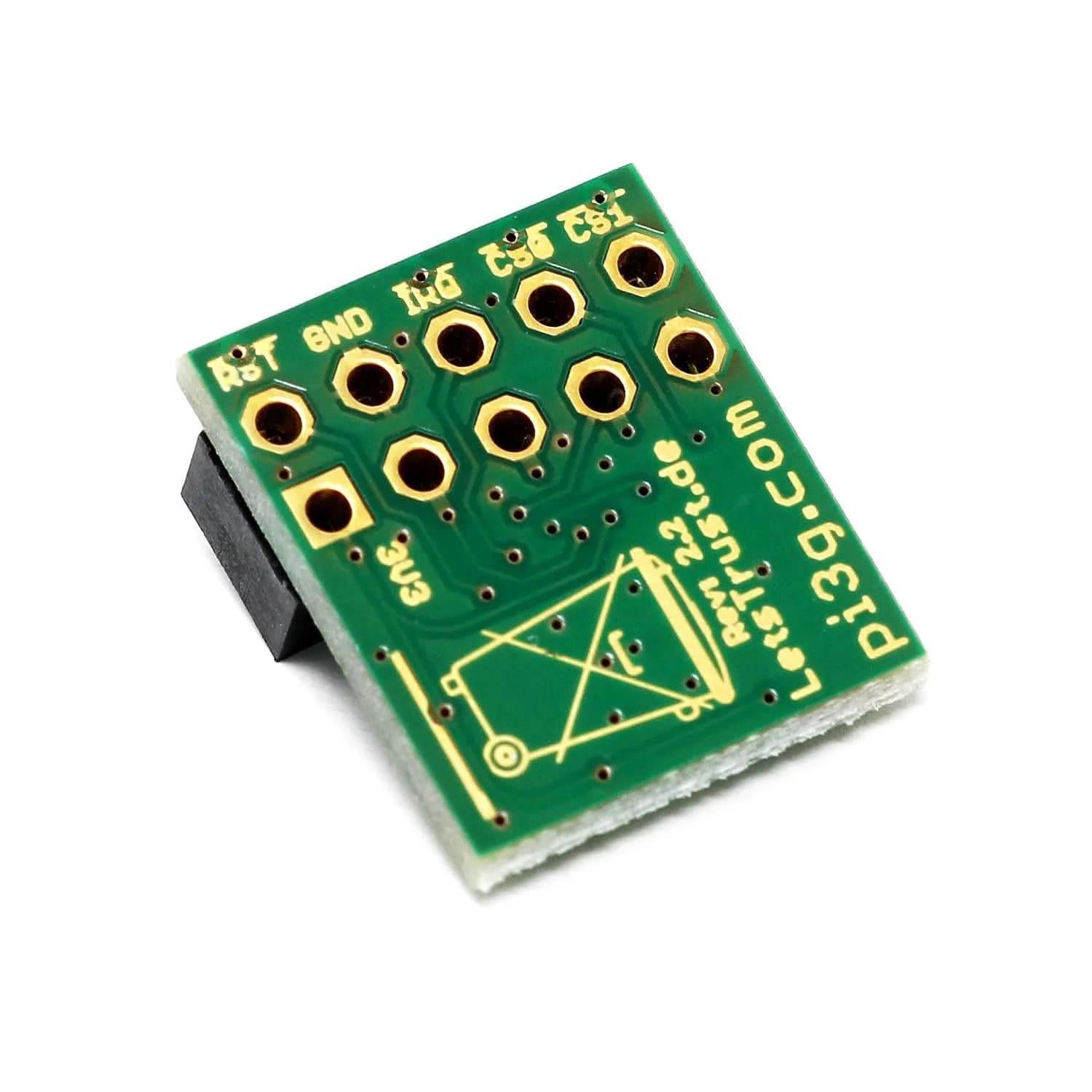
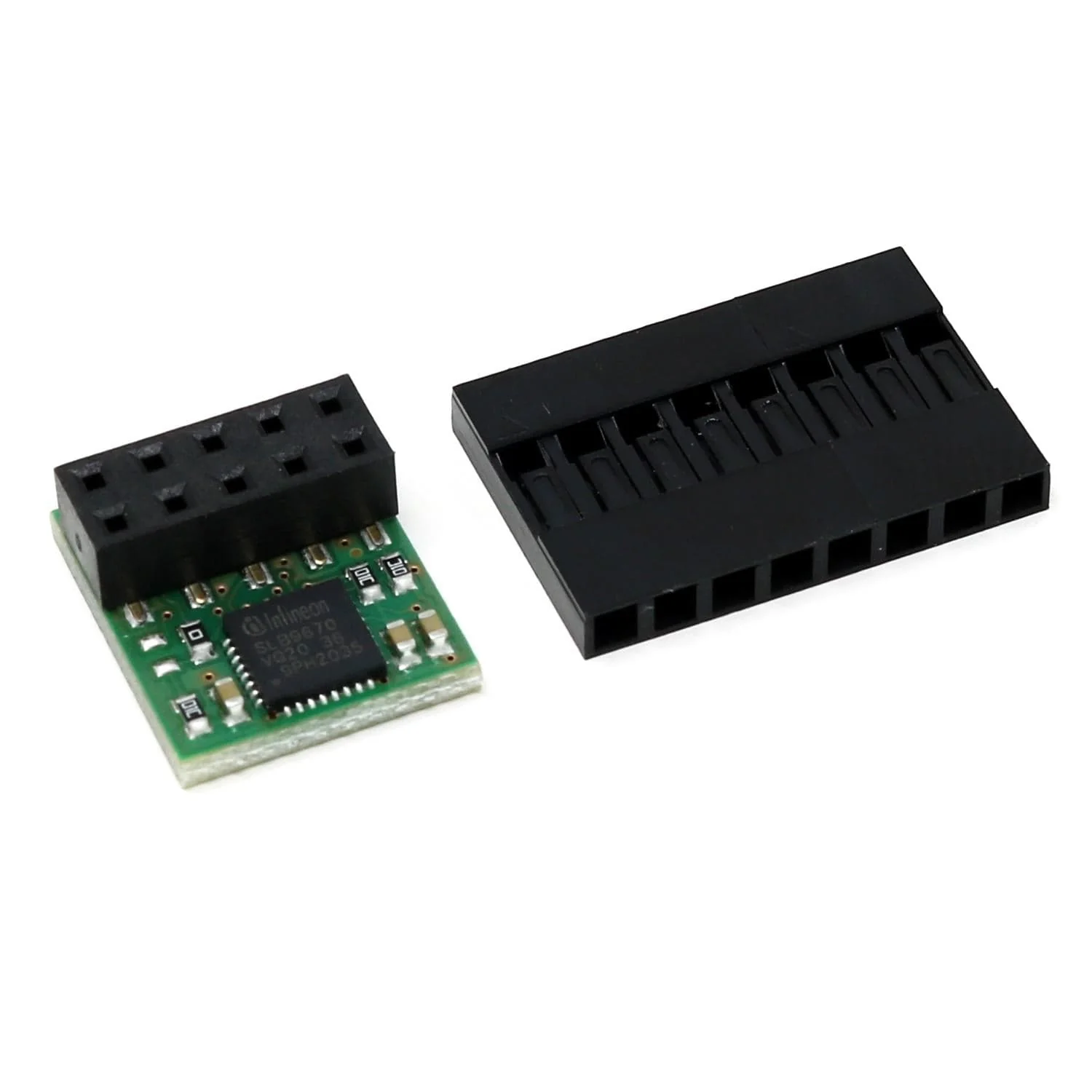
LetsTrust TPM is an easy-to-use TPM (Trusted Platform Module) solution for the Raspberry Pi, based on the Infineon Optiga ™ SLB 9672 TPM 2.0.
A hardware TPM can be used in a variety of ways, including for authentication/signatures, storing crypto keys and much more. The module can also be used as a True Hardware Random Number Generator (TRNG) if you need a good source of randomness!
LetsTrust TPM uses the SPI interface to communicate with the Raspberry Pi. It is compatible with all Raspberry Pi models.
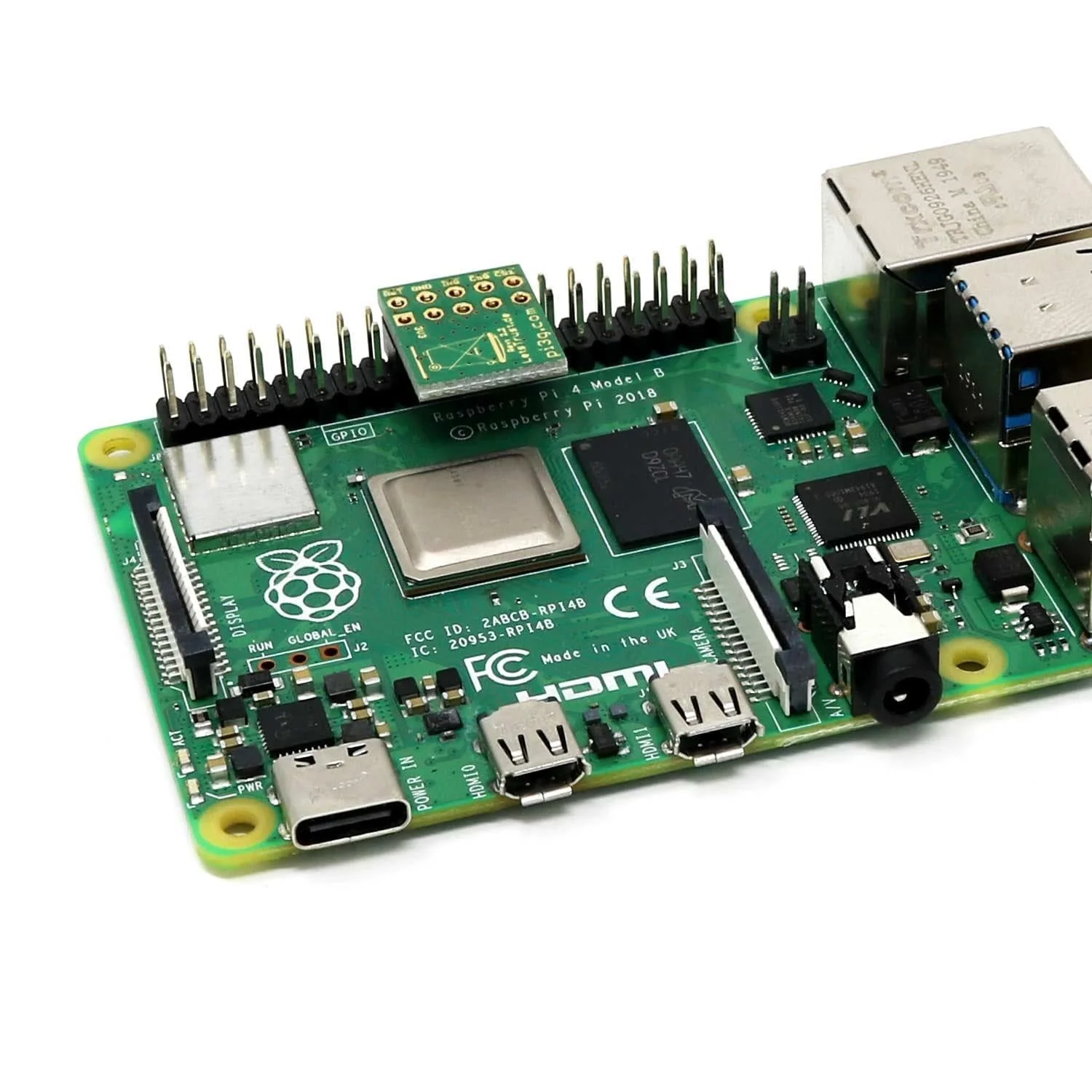
It has a compact footprint, allowing the remaining GPIO pins to be used. 2x5 pins from pin 17 to pin 26 are occupied by LetsTrust.
Raspberry Pi not included
Specifications
TPM features
- Infineon Optiga ™ SLB 9672 TPM 2.0
- Compliant with TPM Specification 2.0 Rev. 01.38
- Firmware> = 7.85
- TRNG (Real Random Number Generator) - True Hardware Random Number Generator
Design & interface
- Interface to the Pi: SPI
- Compatible with all previously released Raspberry Pi models (including Pi 3, Pi Zero, etc.)
- Compact size thanks to 2x5 pin headers, so the remaining GPIO pins remain freely available
- Can be firmly soldered with Raspberry Pi pins
- Fits into common standard housings
Software support
- From Raspbery Pi OS Stretch upwards, with kernel 4.14.85 built-in support with a device tree overlay
- Built-in Support for Windows 10 IoT (on Pi 2, 3, 3B +)
Package Contents
- 1x LetsTrust TPM module
- 1x 8-pin header (installation aid to determine the correct position for the TPM module without counting)
Resources
- Updated information flyer
- TPM2 software
- ELTT2 Infineon Embedded Linux TPM Toolbox 2 for TPM 2.0 - test, diagnostics, etc. for the Infineon TPM chip
- Script examples for getting started & installing the TPM 2.0 tools
- Further information and links can be found at www.LetsTrust.de
Installation
Step 1: Attach the 8-pin header to pin 1 of the Raspberry Pi
The pin header has pins at the top that can be used directly for other projects if necessary. Attaching the 8-pin header is used to determine the correct pins for attaching the LetsTrust TPM module and is not required for its function.
Step 2: Plug in the LetsTrust TPM module
The module is plugged directly next to the 8-pin header.
Notes
- Software installation necessary to use the module - see letsTrust.de from Rasbian with Kernel 4.14.85 DTO support
- The module also works with Windows 10 IoT Core (Pi 2, 3, 3B + supported)
- The module is delivered with firmware> = 7.85
Original: $35.26
-70%$35.26
$10.58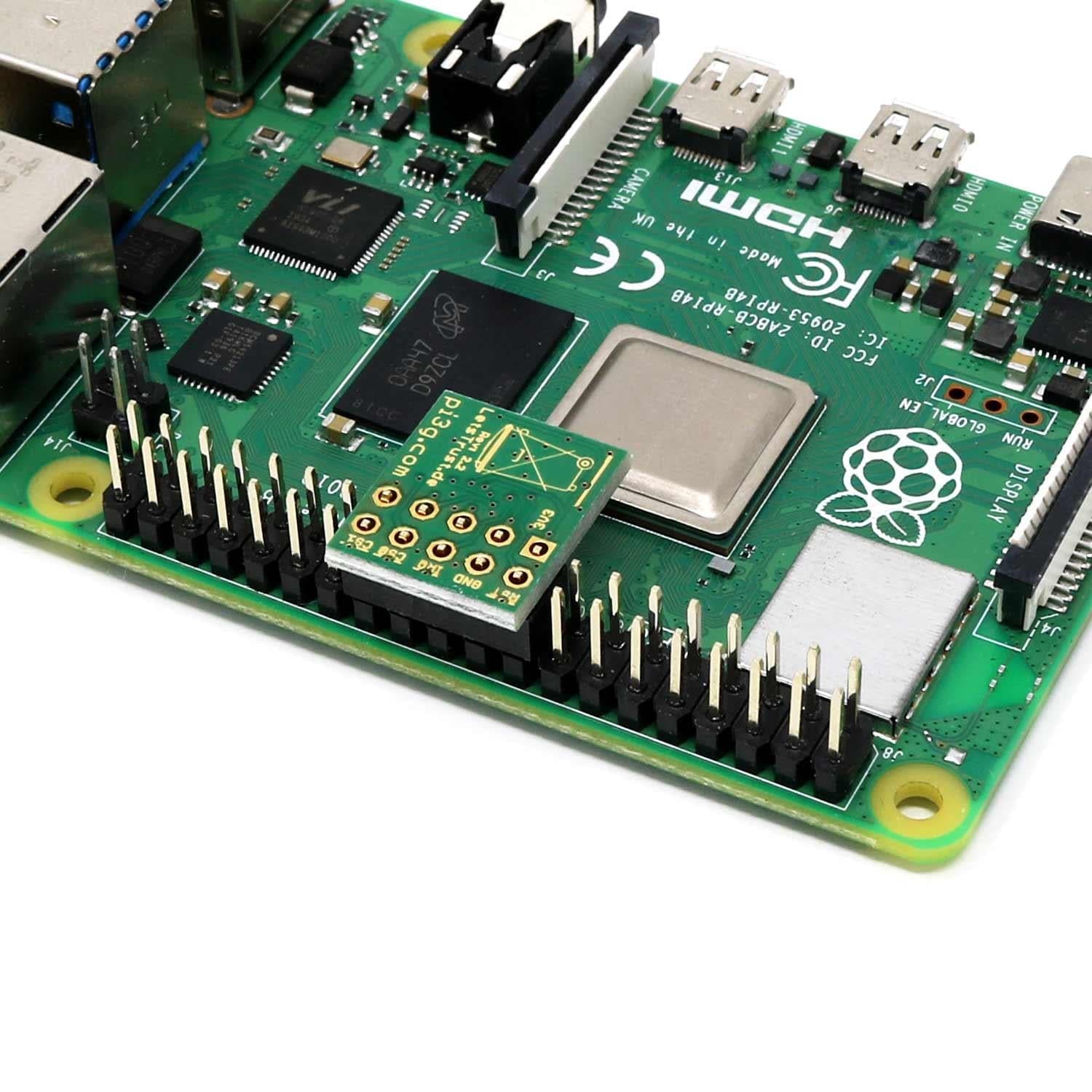
Description
LetsTrust TPM is an easy-to-use TPM (Trusted Platform Module) solution for the Raspberry Pi, based on the Infineon Optiga ™ SLB 9672 TPM 2.0.
A hardware TPM can be used in a variety of ways, including for authentication/signatures, storing crypto keys and much more. The module can also be used as a True Hardware Random Number Generator (TRNG) if you need a good source of randomness!
LetsTrust TPM uses the SPI interface to communicate with the Raspberry Pi. It is compatible with all Raspberry Pi models.
It has a compact footprint, allowing the remaining GPIO pins to be used. 2x5 pins from pin 17 to pin 26 are occupied by LetsTrust.
Raspberry Pi not included
Specifications
TPM features
- Infineon Optiga ™ SLB 9672 TPM 2.0
- Compliant with TPM Specification 2.0 Rev. 01.38
- Firmware> = 7.85
- TRNG (Real Random Number Generator) - True Hardware Random Number Generator
Design & interface
- Interface to the Pi: SPI
- Compatible with all previously released Raspberry Pi models (including Pi 3, Pi Zero, etc.)
- Compact size thanks to 2x5 pin headers, so the remaining GPIO pins remain freely available
- Can be firmly soldered with Raspberry Pi pins
- Fits into common standard housings
Software support
- From Raspbery Pi OS Stretch upwards, with kernel 4.14.85 built-in support with a device tree overlay
- Built-in Support for Windows 10 IoT (on Pi 2, 3, 3B +)
Package Contents
- 1x LetsTrust TPM module
- 1x 8-pin header (installation aid to determine the correct position for the TPM module without counting)
Resources
- Updated information flyer
- TPM2 software
- ELTT2 Infineon Embedded Linux TPM Toolbox 2 for TPM 2.0 - test, diagnostics, etc. for the Infineon TPM chip
- Script examples for getting started & installing the TPM 2.0 tools
- Further information and links can be found at www.LetsTrust.de
Installation
Step 1: Attach the 8-pin header to pin 1 of the Raspberry Pi
The pin header has pins at the top that can be used directly for other projects if necessary. Attaching the 8-pin header is used to determine the correct pins for attaching the LetsTrust TPM module and is not required for its function.
Step 2: Plug in the LetsTrust TPM module
The module is plugged directly next to the 8-pin header.
Notes
- Software installation necessary to use the module - see letsTrust.de from Rasbian with Kernel 4.14.85 DTO support
- The module also works with Windows 10 IoT Core (Pi 2, 3, 3B + supported)
- The module is delivered with firmware> = 7.85