Adafruit ANO Rotary Navigation Encoder Breakout PCB
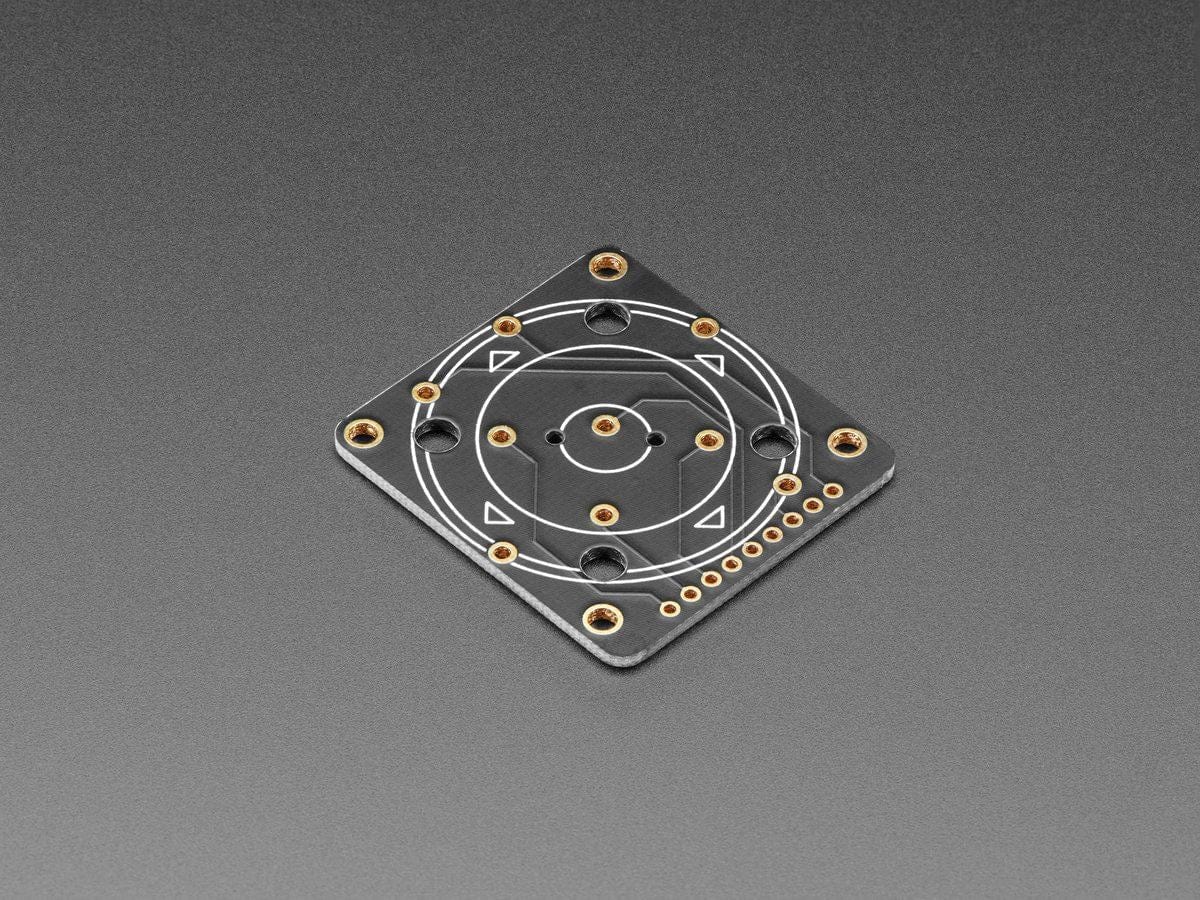
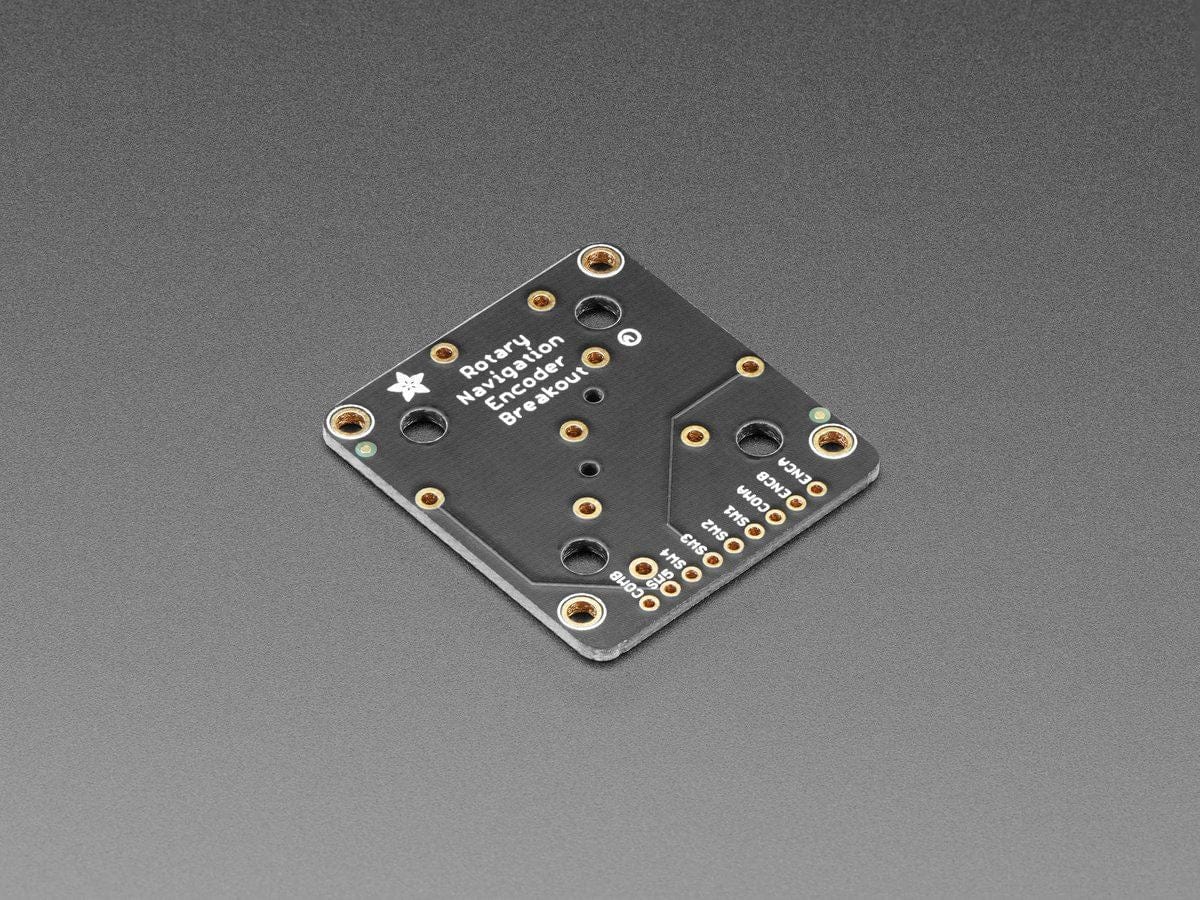
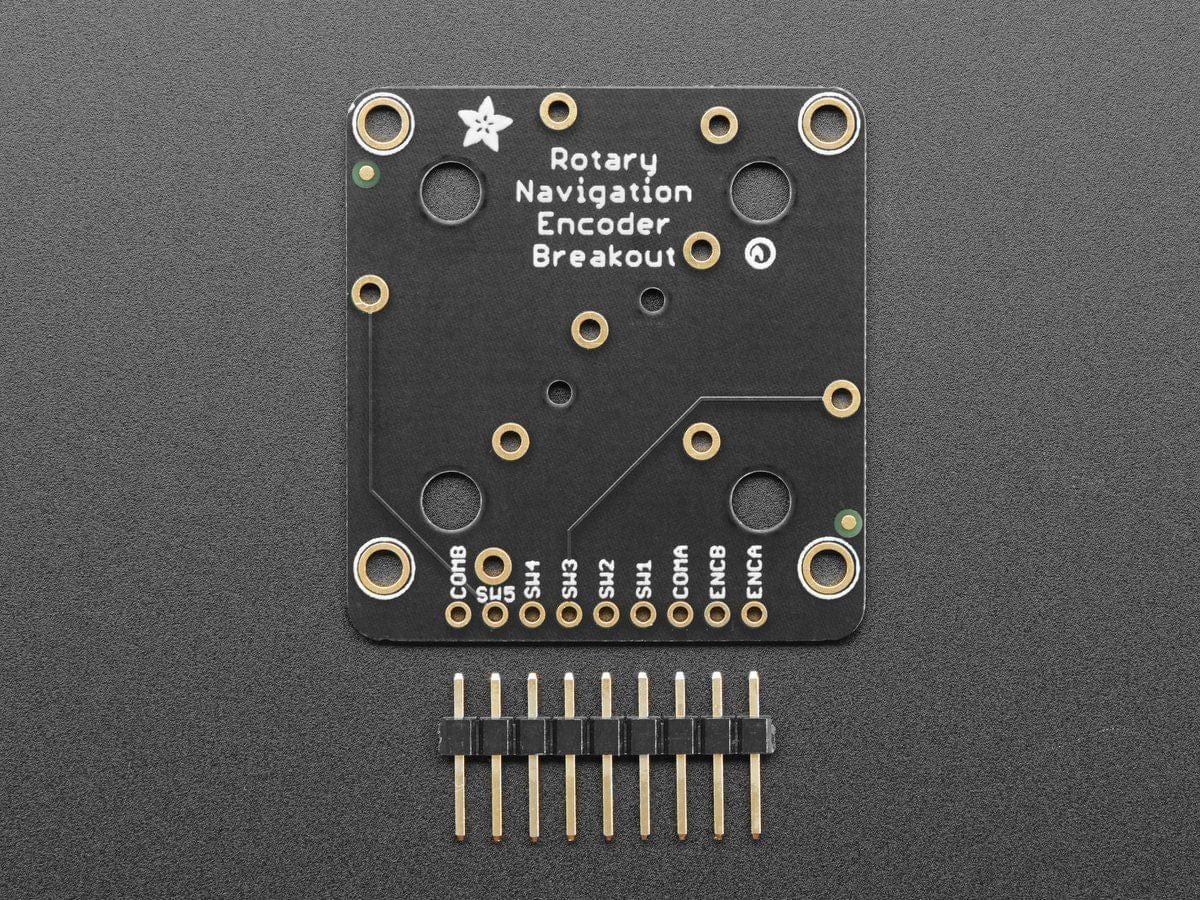
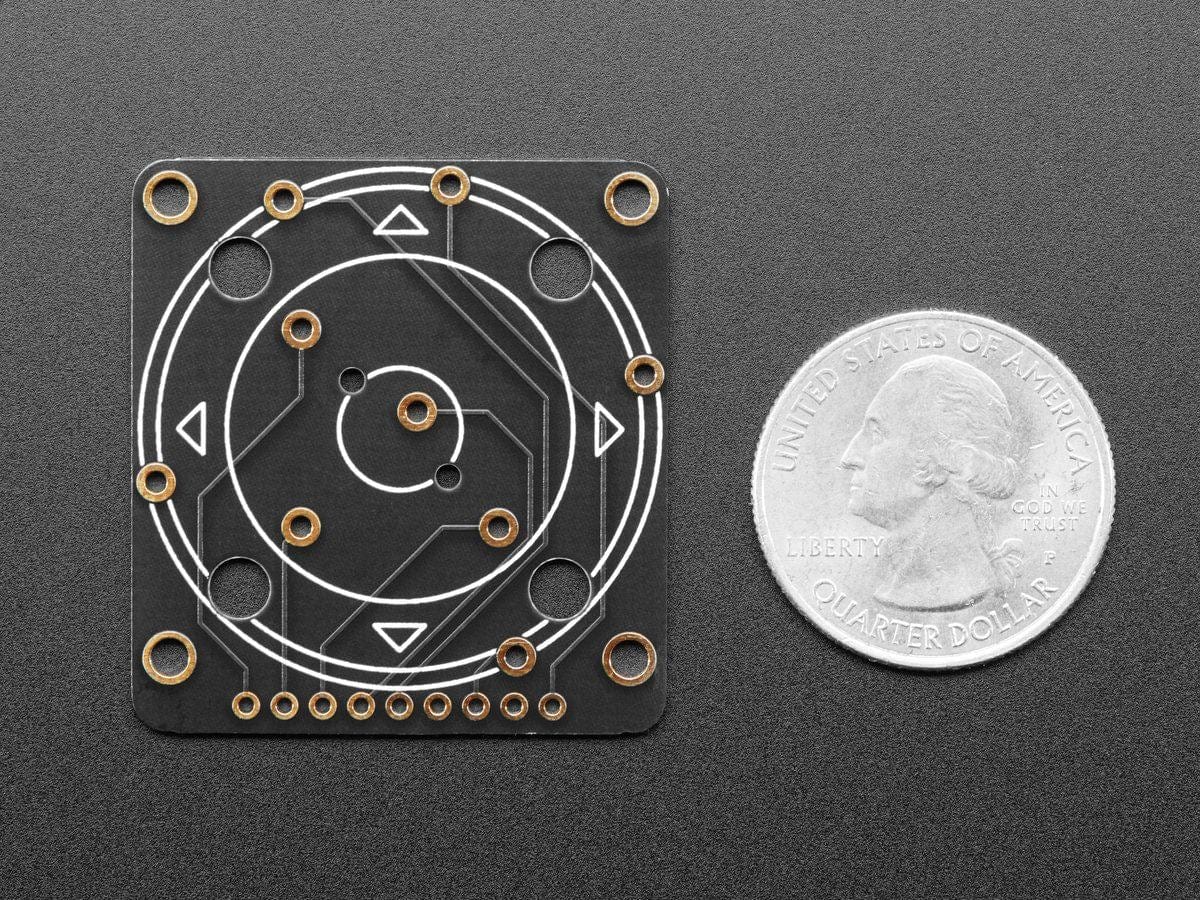
The ANO rotary encoder wheel is a funky user interface element is reminiscent of the original clicking scroll wheel interface on the first iPods. It's a nifty kit, but the pin-out is a little odd, so we made a handy breakout board that converts the funky pin set into a straightforward, breadboard-friendly header strip.
This is just the PCB for the ANO encoder, the encoder is NOT included! Pick one up here.
There's no pull-up or pull-down resistors on this PCB, and of course you'll need to solder the encoder onto the breakout. Then use your microcontroller's button and rotary encoder library/hardware support to interface with the pins.
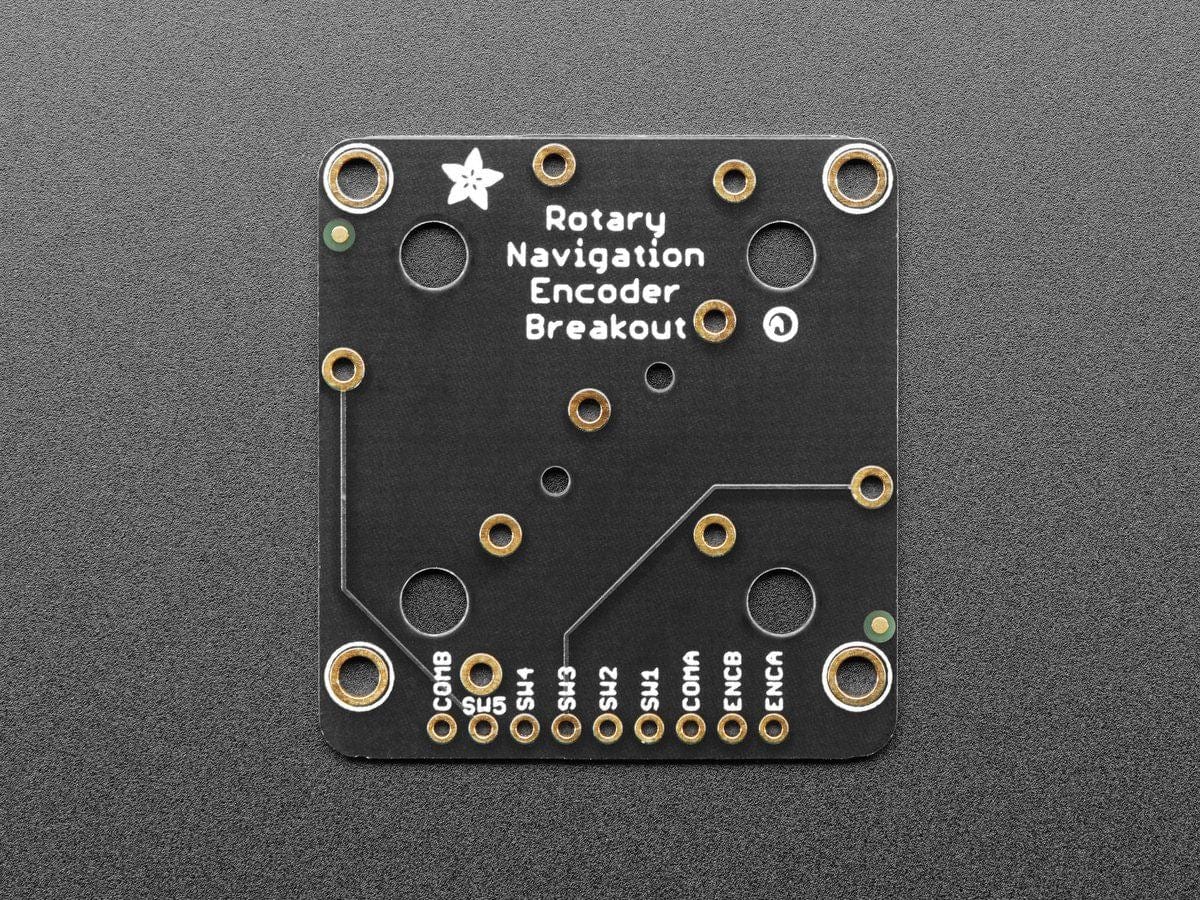
You'll need 7 GPIO total: 5 buttons and 2 rotary encoder pins. There's also two COMmon pins, which you can set to ground or VCC - usually ground so that you can use the microcontroller internal pull-ups for the button/encoders. Note to make our wiring simple, our example code uses GPIO to the COM's and then sets then to outputs, but you can just wire them directly.
Technical Details
- Product Dimensions: 38.0mm x 35.6mm x 1.6mm
- Product Weight: 3.9g
Description
The ANO rotary encoder wheel is a funky user interface element is reminiscent of the original clicking scroll wheel interface on the first iPods. It's a nifty kit, but the pin-out is a little odd, so we made a handy breakout board that converts the funky pin set into a straightforward, breadboard-friendly header strip.
This is just the PCB for the ANO encoder, the encoder is NOT included! Pick one up here.
There's no pull-up or pull-down resistors on this PCB, and of course you'll need to solder the encoder onto the breakout. Then use your microcontroller's button and rotary encoder library/hardware support to interface with the pins.
You'll need 7 GPIO total: 5 buttons and 2 rotary encoder pins. There's also two COMmon pins, which you can set to ground or VCC - usually ground so that you can use the microcontroller internal pull-ups for the button/encoders. Note to make our wiring simple, our example code uses GPIO to the COM's and then sets then to outputs, but you can just wire them directly.
Technical Details
- Product Dimensions: 38.0mm x 35.6mm x 1.6mm
- Product Weight: 3.9g